Blog
Tagged service-deel-wallet · Clear
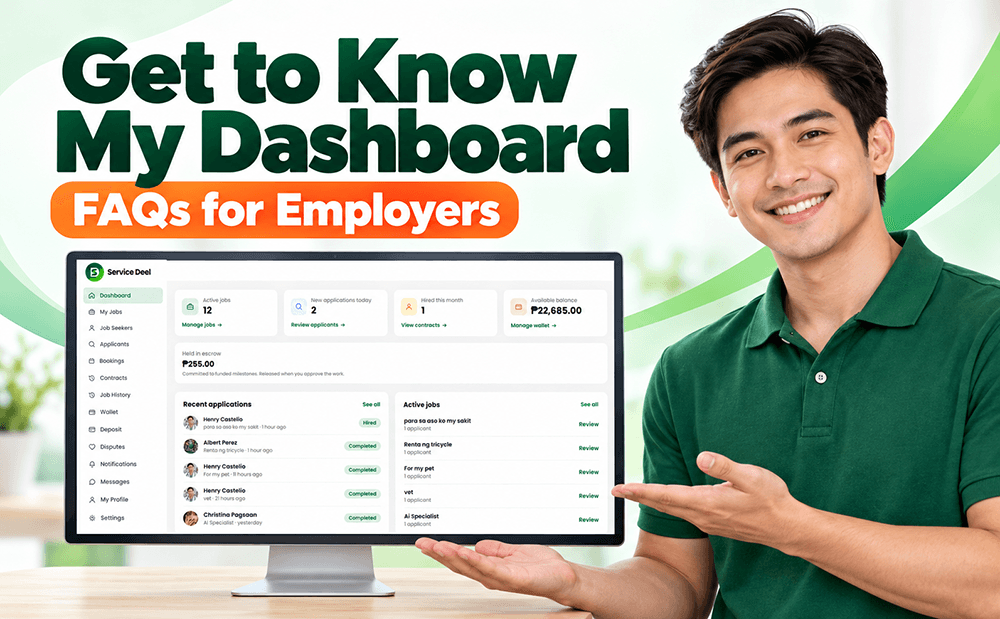
Get to Know My Dashboard - FAQs for Employers
1. How to Post a Job? From your Dashboard, go to My Job and click Post a Job. 2. How to Edit My Job Post? From your Dashboard, go to My Job, click Manage or View Applicants, and edit your job post. Note: You cannot edit…

How to Add Funds to Your Service Deel Wallet?
In your dashboard go to Deposite enter the amount, click payment option and click continue Using Paymogo, fill up the necessary field and click continue. Log in to your ewallets like gcash, maya, and grab pay. On your…
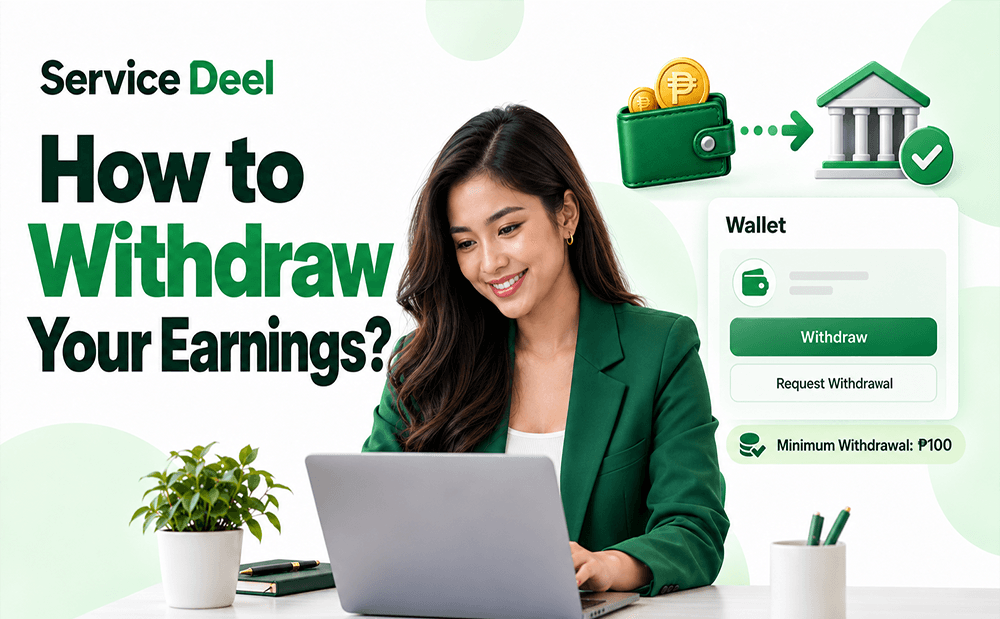
How to withdraw your earning?
Withdraw your earnings easily and conveniently with Service Deel! Once your earnings are available in your wallet, you can request a withdrawal directly from your dashboard to your preferred bank account. With a minimum…

How Does Hiring Work on Service Deel?
Hiring on Service Deel is a simple process that connects Employers with Job Seekers and Service Providers. Employers can post jobs, receive applications, or search for people with the skills they need. Here’s how the…